
Manage vendor payouts easily with an independent interface designed for transparency, efficiency, and digital workflows.
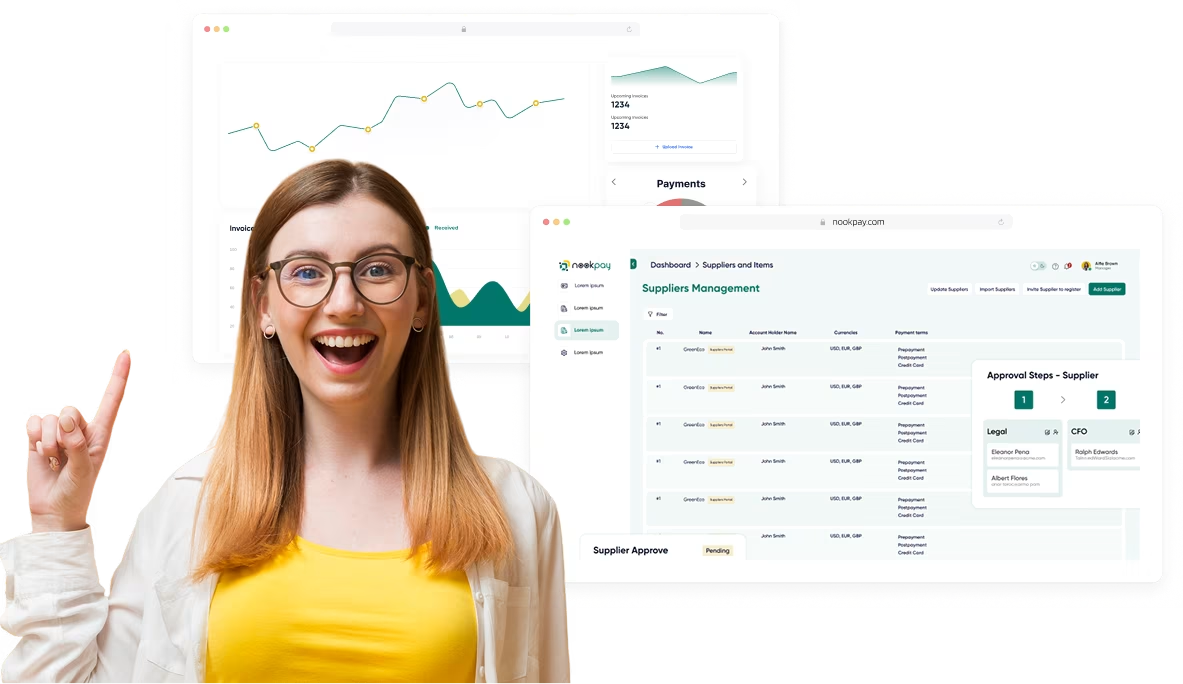
Without the need for spreadsheets or emails, NookPay’s vendor portal gives your vendors complete control over their
payouts. With a safe, legal, and easy-to-use interface, our solution simplifies communication and minimizes delays for
everything from uploading tax invoices to monitoring approval and payment progress.
Vendors are imported via CSV or API. Each vendor receives a login link to access their portal securely.
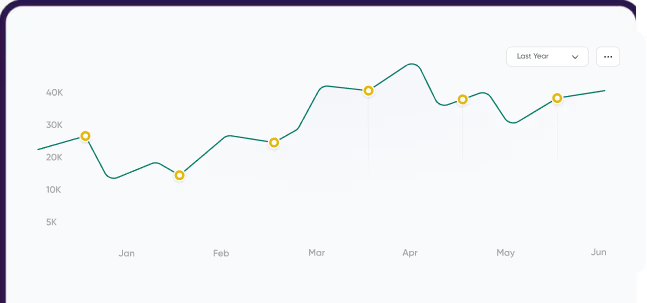
Vendors upload their invoices via an easy interface, mapped to their POs for validation and fast approvals.

The system automatically matches invoice fields
with POs and instantly displays approval or rejection, accompanied by email alerts.


Vendors can track payment progress, view history, and download receipts in a unified dashboard.
mprove vendor experience with simple tools that help
manage invoices, automate payout approvals, and ensure
tax compliance.
Vendors can easily track invoice progress and payment updates, without the need for emails or calls.
The smart upload system verifies tax invoices against POs using pattern matching and automatically accepts or rejects them.
Import vendors in bulk and give secure login links, allowing them to enter information and access their portal.
Our vendor management system tools ensure that all invoicing and payout processes comply with tax and audit rules.
Create recurring or one-time payment schedules for vendors to ensure timely payouts without manual reminders or follow-ups.
Pay vendors in their preferred currency using localized payment methods, reducing conversion costs and increasing payout speed.

A vendor management portal is an autonomous dashboard that allows vendors to post invoices, track payments, and update their profiles. NookPay’s vendor portal is designed for digital businesses that want to automate vendor payout operations and ensure compliance without manual effort.
NookPay makes vendor payments easier by providing automated invoice validation, real-time status tracking, and PO-based matching. It reduces errors, speeds up approvals, and avoids back-and-forth emails, making it easier for vendors to get payment on time. Whether you’re paying freelancers, suppliers, or agencies around the world, Nookpay ensures that transactions are completed on time, securely, and in accordance with regulations.
Yes, Nookpay can easily merge with the majority of popular accounting platforms and business tools. Our vendor management system software is designed to integrate with your existing stack, so you don’t have to change how you work, just make it smarter. Automate vendor payout workflows without disturbing existing systems or processes.
Nookpay is designed for adaptability, expansion, and speed. Unlike traditional vendor management system technologies, it gives you a centralized dashboard for tracking vendor performance, automating payments, and managing compliance. Nookpay’s real-time data and ready-to-use setup help organizations to easily upgrade their vendor management process.
Yes, Nookpay supports easy bulk vendor imports from CSV or Excel files. You can upload vendor information in one step, saving time and reducing manual errors. The system also automatically checks data, offering smooth onboarding and accuracy throughout the vendor management process.
Yes, Nookpay’s vendor payout system accepts multi-currency transactions, making it simple to pay suppliers worldwide. Our vendor management interface allows you to automate currency conversions, assure accurate exchange rates, and keep payouts compliant. This simplifies your global vendor management process without requiring manual interaction.
Absolutely. Nookpay’s vendor management system software offers real-time information on vendor performance, payment history, and compliance records. Businesses can use our vendor management system solutions to monitor key performance indicators, address concerns proactively, and maintain strong relationships with their vendors, all from a single consolidated dashboard.